 DE
DEFeatures of Kim
From new AI capabilities for processes to productive tools for everyday OFORK work: here you can see how Kim supports support teams, service processes and customer communication in practice.
New AI Features
These areas show the direction in which Kim is evolving: deeper into real workflows, closer to processes and with growing support in day-to-day operations.
Agentic AI
Kim is evolving beyond classic chat support and is becoming more deeply integrated into real service workflows.
Process Autopilot
New AI capabilities support structured workflows, process steps and a more process-oriented use of OFORK.
AI in Real Workflows
The focus is on practical support in live operations: directly in the ticket, directly in service, directly in the work process.
What This Development Means
Kim is intended not only to provide answers, but to accompany teams in OFORK through more and more practical steps. That is exactly the difference between a pure chat function and an AI that supports real service processes.
A Foundation for Growth
The new features create the basis for further process-oriented enhancements and make Kim a stronger tool for operational OFORK use in the long run.
Features
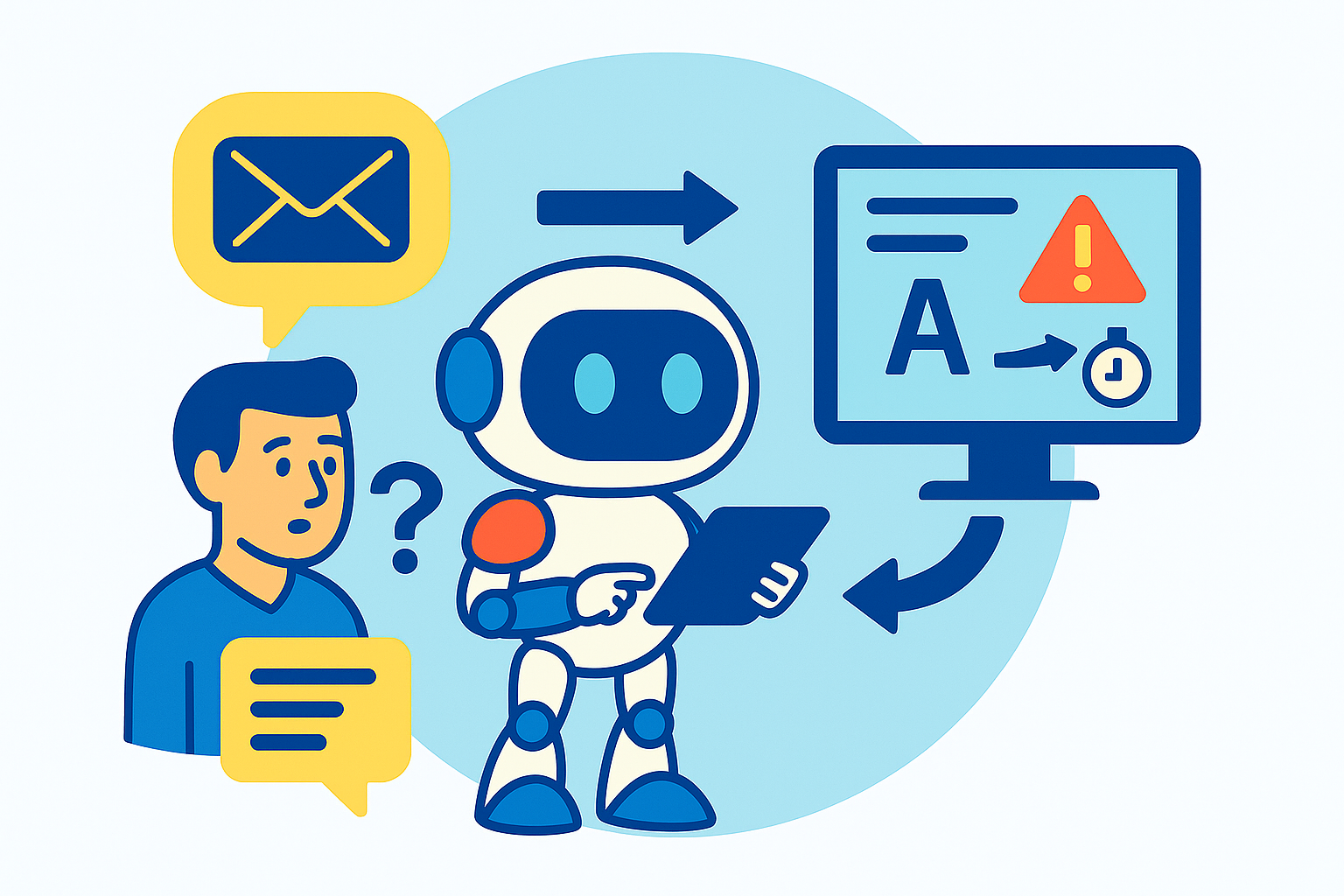
Ticket Qualification
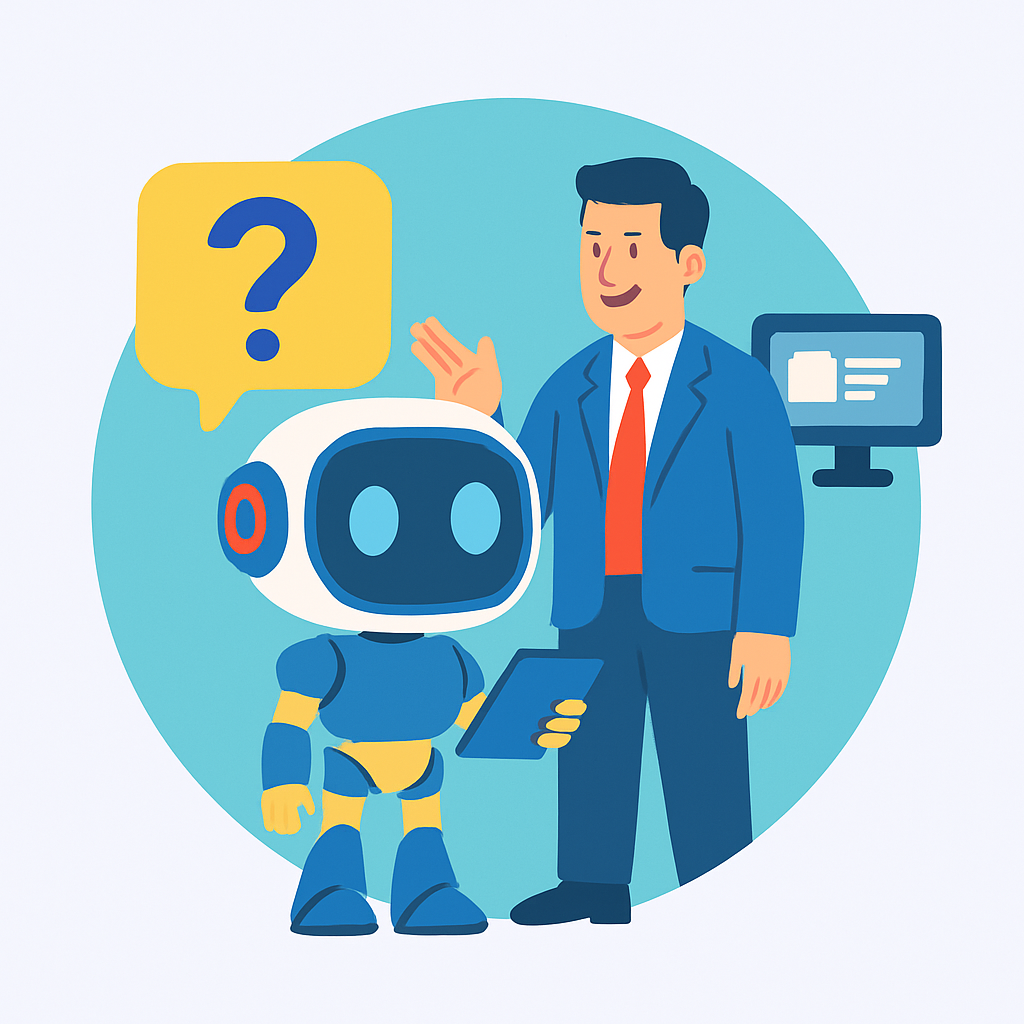
Mode: OFORK FAQ
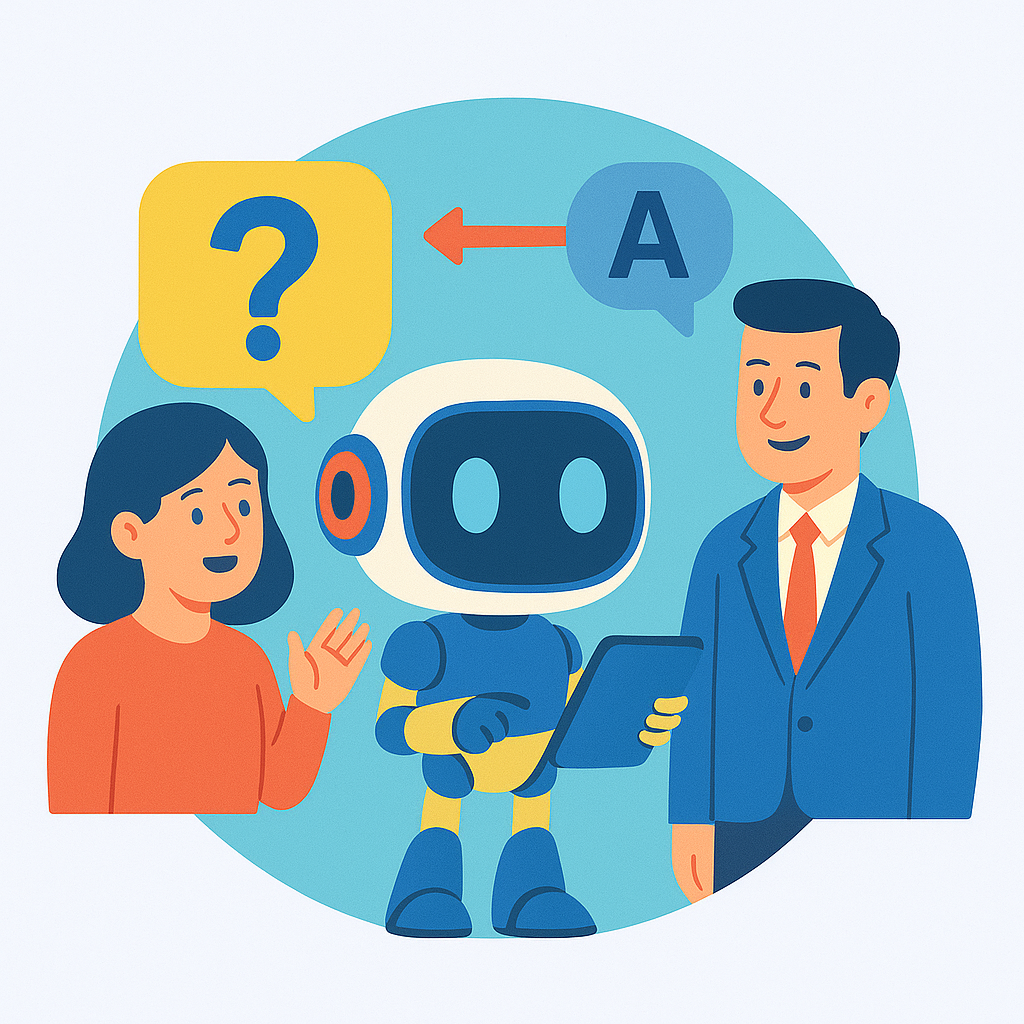
Mode: General
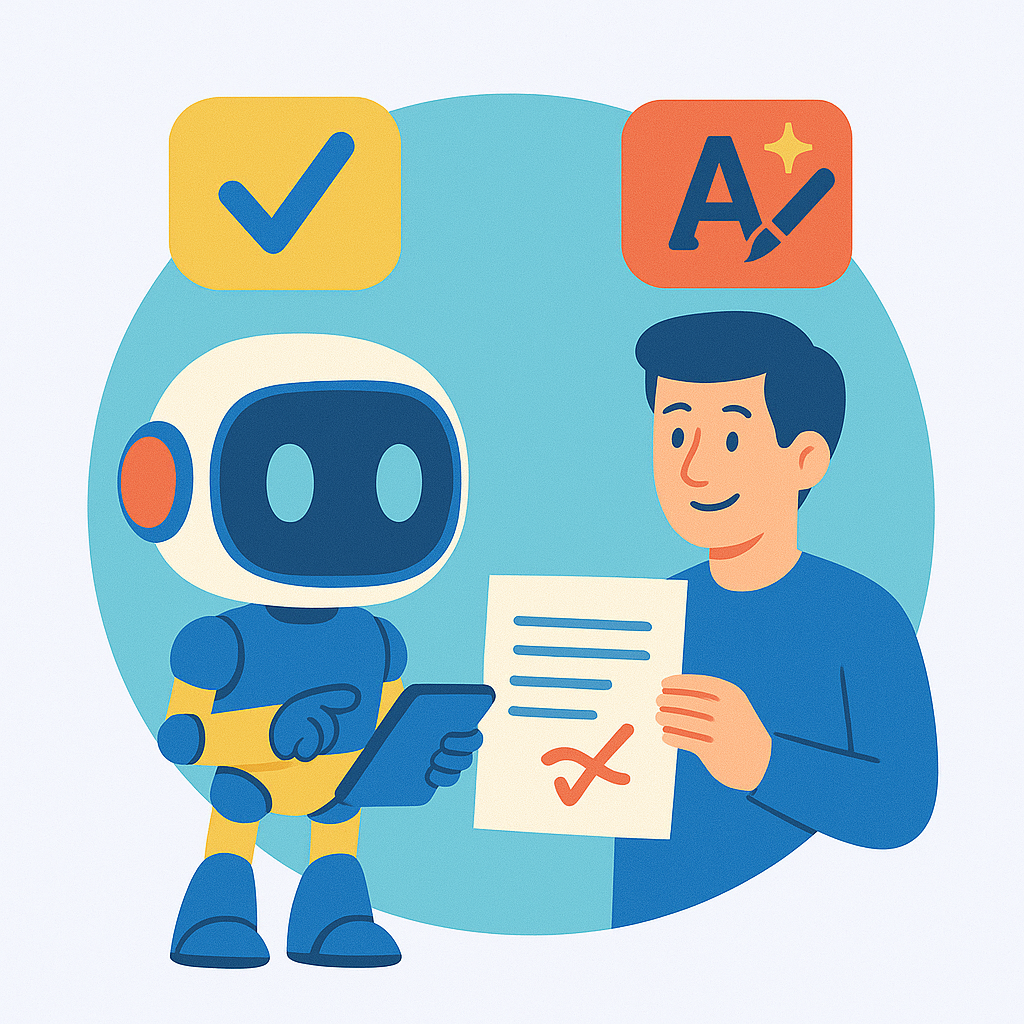
Mode: Spelling
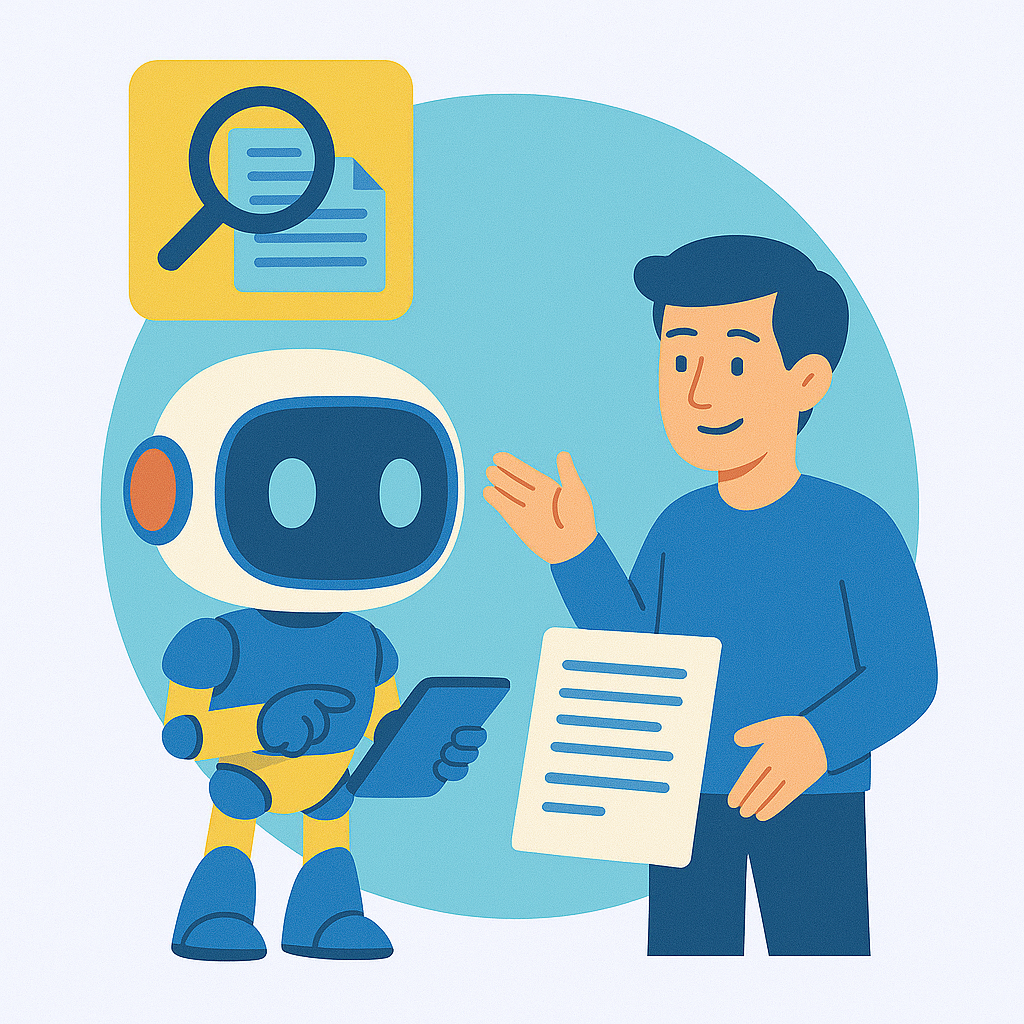
Ticket Search

Article Translation
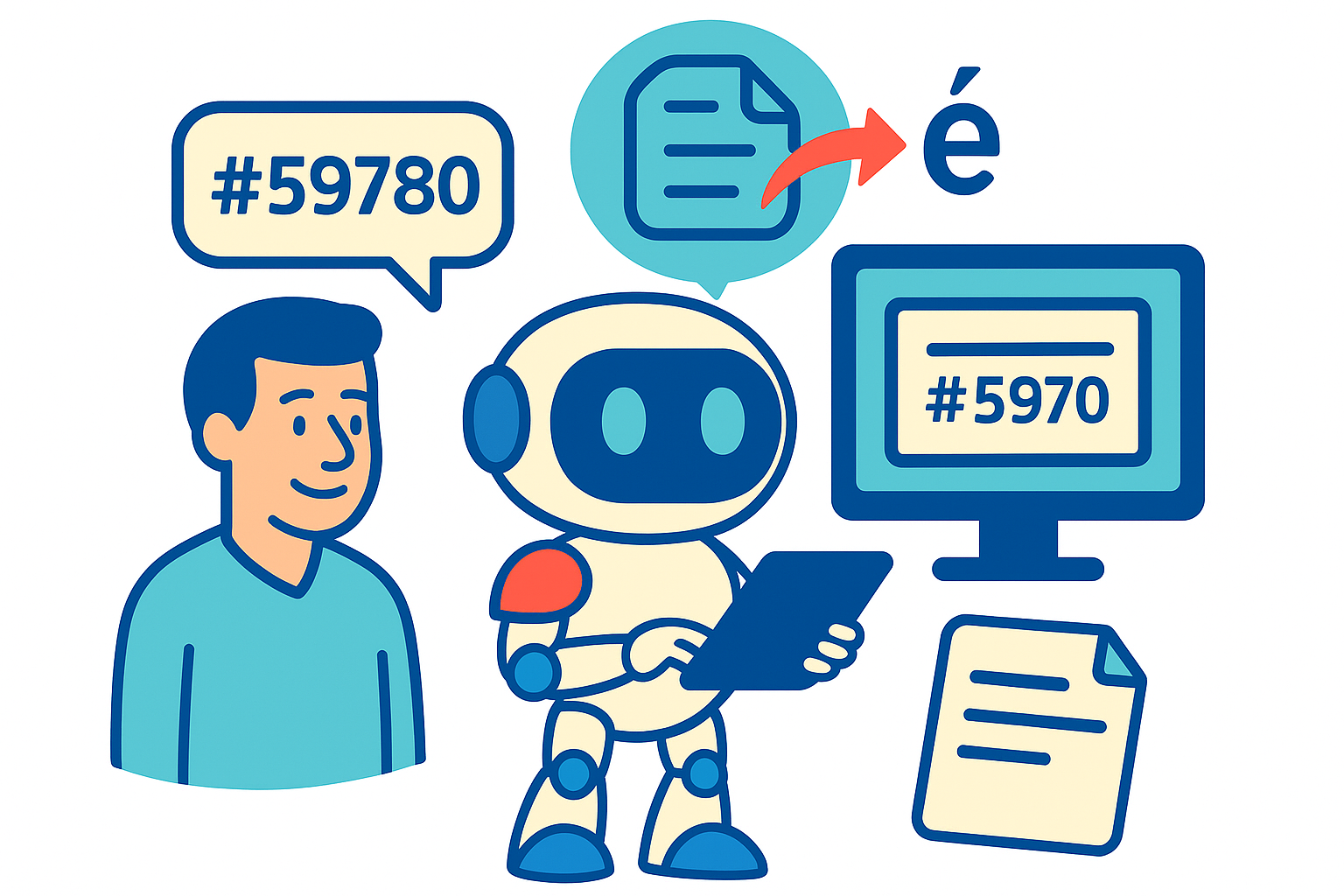
Translation of Entire Tickets
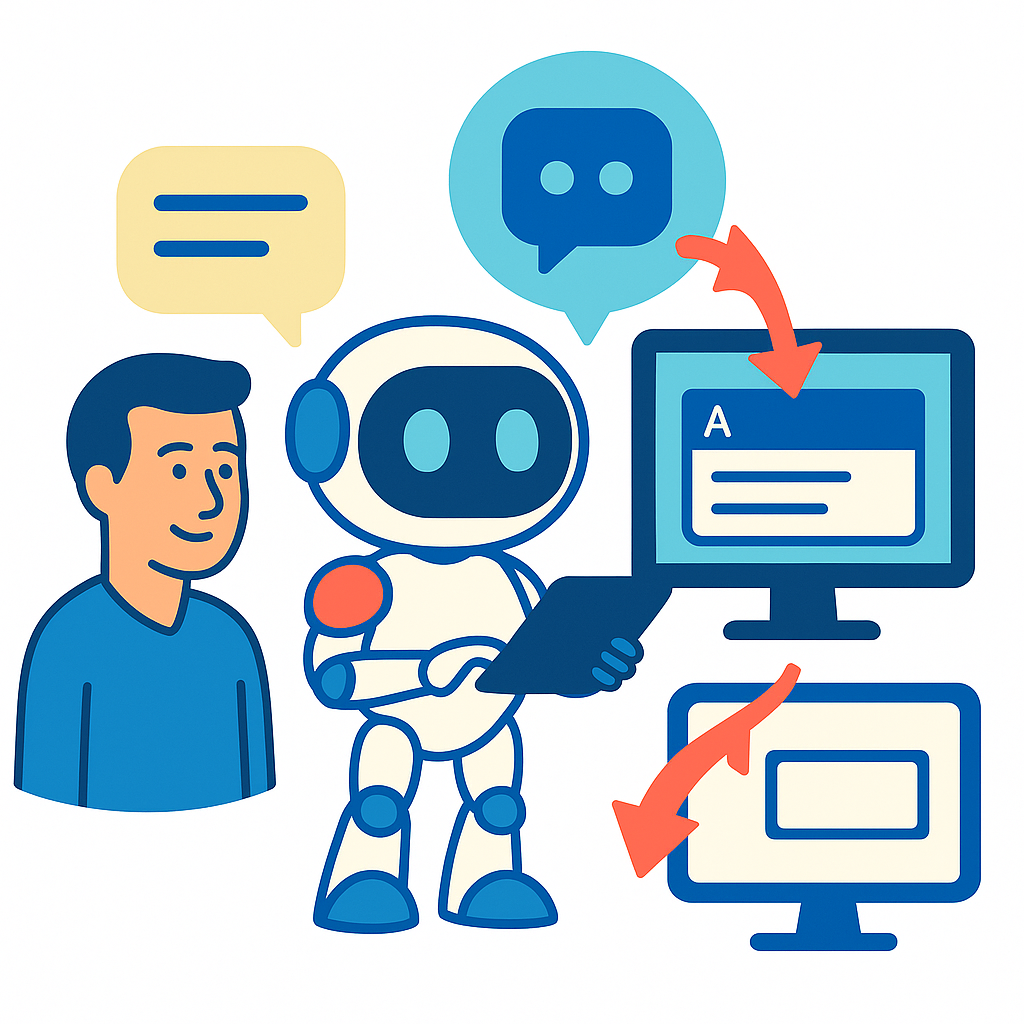
Insert Function
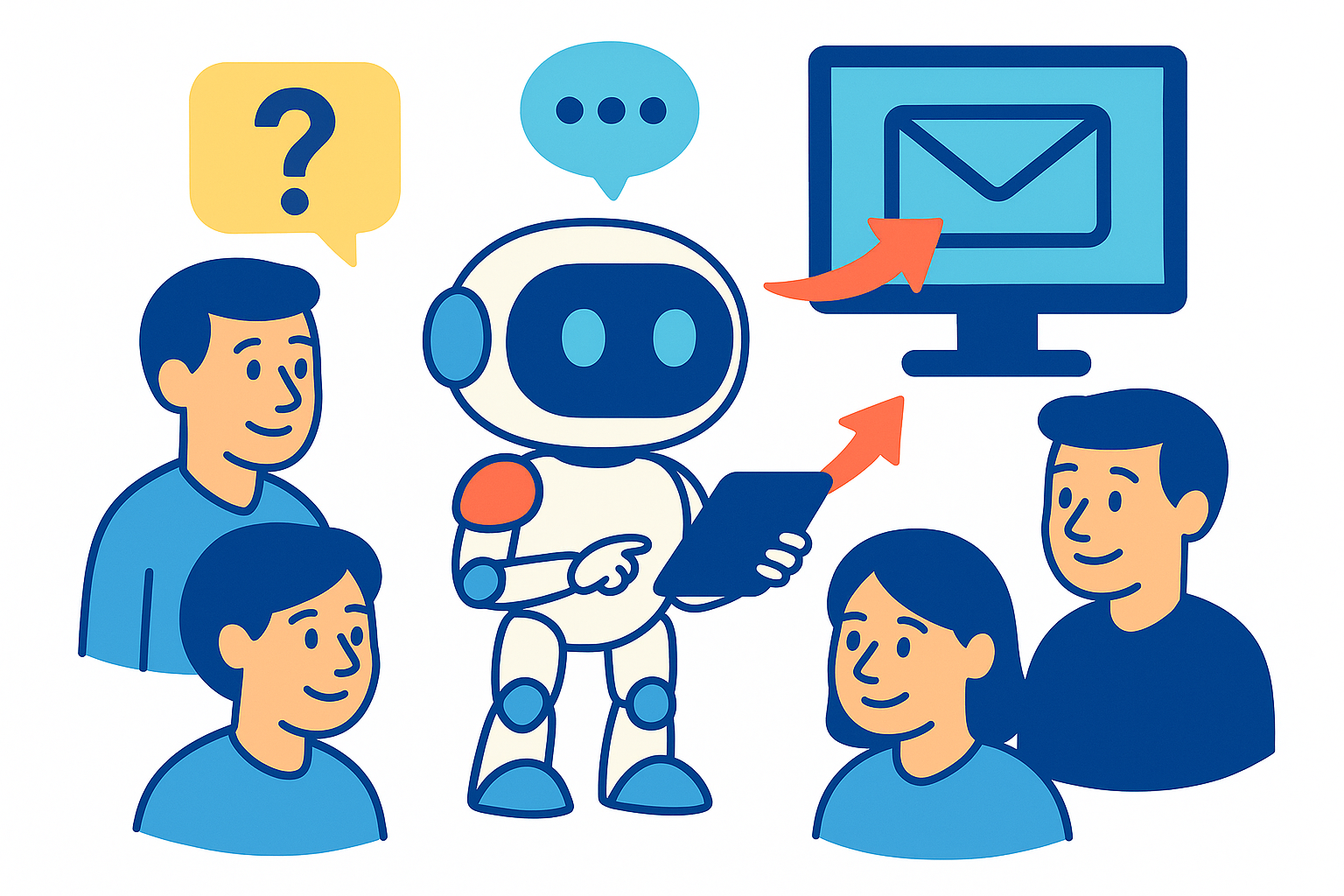
Chatbot for Your Customers
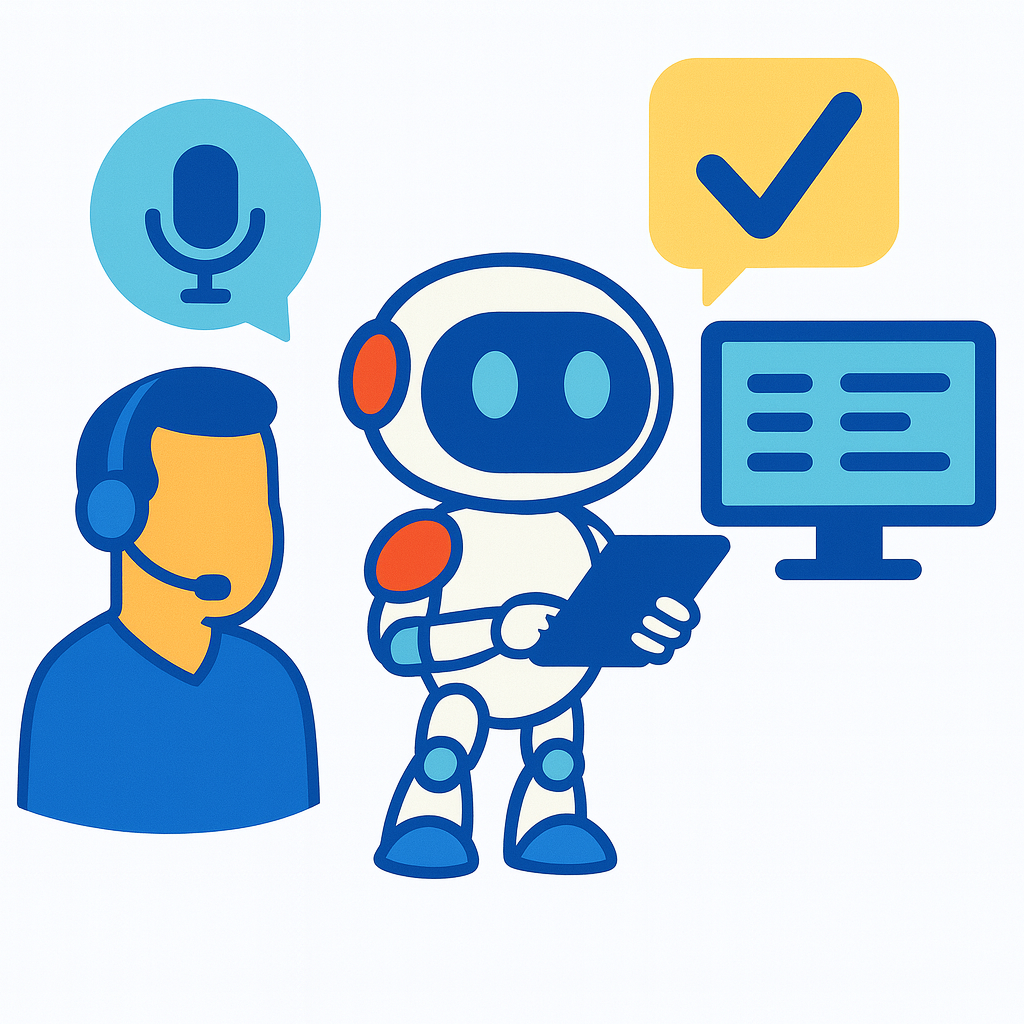
Voice Dictation
See it live instead of just reading about it
In a live demonstration, we show how the new Kim features work together with the existing productive tools – directly in OFORK and directly in day-to-day service operations.
Request a Demo Watch YouTube Video